

Many homeowners in Los Angeles and Ventura County get a Nest, Ecobee, or another smart thermostat, hoping to save money and stay comfortable. But during hot Southern California summers, many notice their SCE bills actually go up. Sometimes, cooling can make up 40-60% of your monthly energy use, leading to a big jump in costs.
Most of the time, the thermostat isn’t broken. The main problems come from how these devices work with SCE’s Time-of-Use rates and the Smart Energy Program. Other things, like the new Base Services Charge, setup mistakes, and older HVAC systems in Southern California homes, also play a big role.
By 2026, average rates are expected to be about 34.5¢ per kWh, so even small inefficiencies can get expensive fast. During peak hours, rates can go up to 58¢ per kWh or more. Plus, there’s a fixed Base Services Charge of about $24.15 each month for most homes. Here’s why your bill might have gone up in LA or Ventura, and what you can do to fix it.
In SCE areas, sudden bill increases are often caused by installation or setup mistakes that don’t match local needs.
Choosing the wrong system type during setup, like picking “standard furnace” instead of “heat pump,” can make your system use the wrong heating mode. A heat pump both heats and cools your home, while a furnace only heats. This mistake happens a lot in areas with mild winters, like near the Ventura coast or during spring and fall in the San Fernando or Conejo Valleys.
Wiring issues, like a missing or loose C-wire (the wire that gives your thermostat steady power), can cause power problems, short cycling (when the system turns on and off quickly), or “Delayed” alerts on Nest thermostats. These issues make your system run unevenly and for longer periods.
If your thermostat is placed in direct sunlight, near the kitchen, or by a vent, it can get false readings. This often makes your system overcool the rest of your home.
When setting up, make sure your thermostat matches your HVAC system (single-stage, two-stage, or heat pump). If you’re not sure, ask a licensed HVAC technician to check the wiring and system type. This can help you avoid hidden problems for months.
Leaving your fan set to “On” instead of “Auto” is one of the quickest ways to get higher energy bills.
Running the fan all the time uses extra electricity day and night. It also spreads more dust through your system, which is a bigger problem during LA and Ventura’s dry summers. This makes your filters less effective, lowers your HVAC’s performance, and adds to the cost from the Base Services Charge.
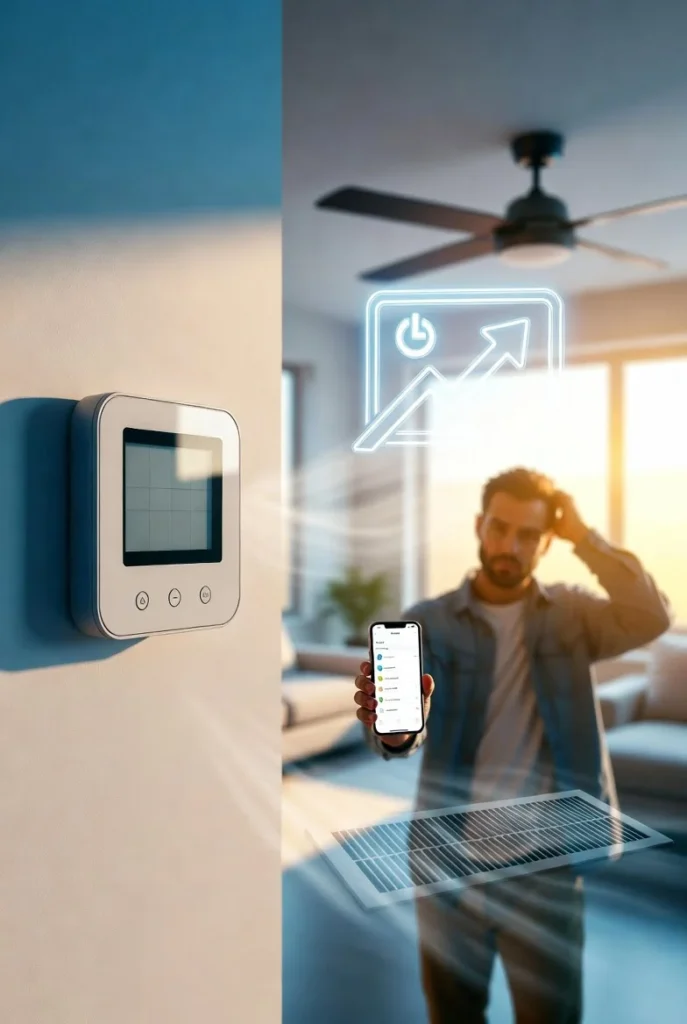
To fix this, set your fan to “Auto” in your Nest or Ecobee app. This way, the fan only runs when your system is heating or cooling, which cuts down on wasted energy right away.
A lot of people try to save money by letting their homes get much warmer during the day when they’re out. But in LA and Ventura summers, this often backfires because of heat waves and SCE’s 4-9 p.m. peak pricing.
When it gets really hot outside, your AC has to work much harder and longer to cool your home back down, usually during the most expensive hours. This means you end up using more energy, even though you were trying to save.
A better way is to make smaller, gradual changes. Try pre-cooling your home in the morning or early afternoon to about 72–74°F. Then, let the temperature rise to 78–80°F or higher during peak hours. This helps your system work less while still keeping you comfortable.
To make the most of SCE’s main TOU-D plans, set up schedules that match your actual daily routine. Think about work-from-home or hybrid days, which are common in LA and Ventura.
Turn off aggressive Auto-Schedule or Learning modes for a while when you’re fine-tuning your settings.
Only use Eco or Away modes when no one is home.
Pre-cool your home to 72–74°F before 4 p.m., then raise the temperature or switch to Eco mode during the 4-9 p.m. peak hours.
Stick with your schedule so your thermostat can learn your habits and adjust to SCE’s pricing. Check the Energy History in your app each week to spot any patterns.
Even the best smart thermostat can’t fix some common problems found in many Southern California homes:
Dirty air filters, clogged coils, or low refrigerant can all make your system run longer.
Many LA and Ventura homes built before modern energy codes have poor attic insulation, leaky ducts, or air leaks around windows and doors.
Older or too-small AC units often can’t keep up during long heat waves, especially in the hotter inland LA valleys.
If you have a new heat pump, rooftop solar with battery storage, or charge an electric vehicle in the evening, you’ll need to plan and adjust your setup more carefully. The fixed Base Services Charge, which you pay no matter how much energy you save, can also mean it takes longer to see payback from upgrades.
Book professional HVAC maintenance, duct sealing, or insulation upgrades to get real savings.
Most smart thermostats need 2 to 4 weeks to learn your habits, when people are home, and local weather. If your schedule changes a lot, you adjust the device often, or there are many summer utility events, it can take longer. It’s normal for your bill to go up and down at first. Try not to keep changing settings during this time, since it can reset the learning process.
Here’s a schedule that works for SCE’s 4-9 p.m. peak hours and the different climates in the area:
In the morning or early afternoon, pre-cool your home to 72–74°F while rates are lower.
During peak hours (4-9 p.m.), raise the temperature to 78–80°F or higher, or turn on Eco mode.
In the evenings, at night, and on weekends, adjust your settings based on how many people are home and the outdoor temperature. Remember, coastal Ventura is milder than the hotter inland areas.
Making small, steady changes works better than big temperature swings in Southern California’s climate.
If your bills are still high after you’ve adjusted your settings, there may be bigger issues with your system. Things like bad wiring, the wrong equipment, refrigerant leaks, or duct problems need a professional to diagnose.
Affordable Heating and Air focuses on homes in Southern California. Our technicians check how your smart thermostat works with your HVAC system, look over the whole setup, and give you personalized advice. This can include tune-ups, duct sealing, or helping you choose the best device for your Los Angeles or Ventura home.
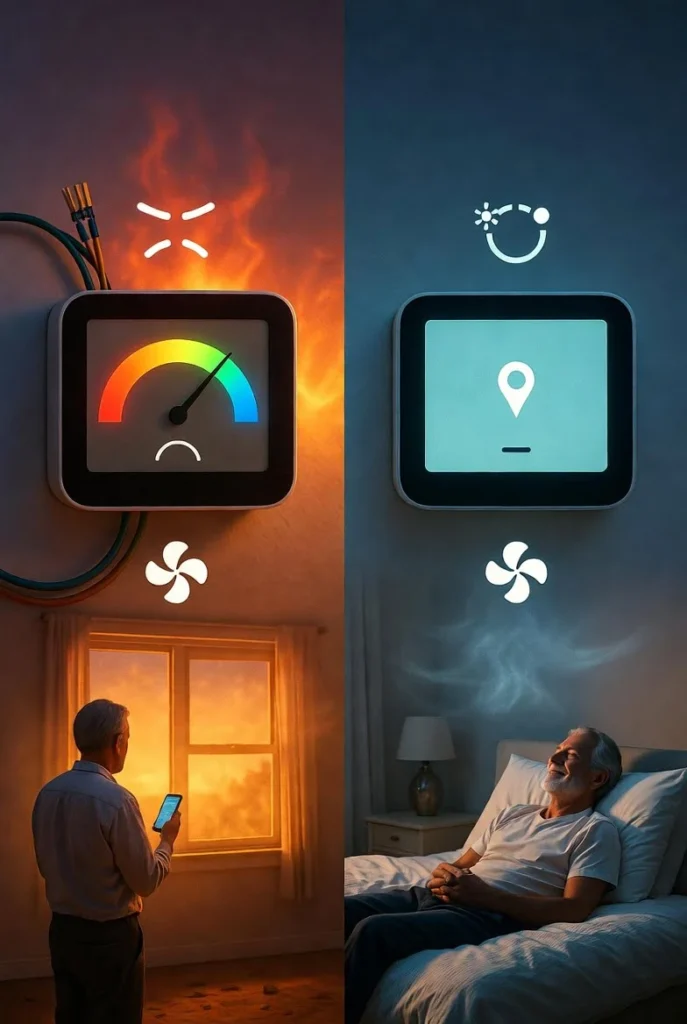
Default learning modes and aggressive pre-cooling can make your system run more during SCE’s costly 4-9 PM peak hours. Other reasons include running the fan all the time, missing C-wire problems, Smart Energy Program overrides, and the fixed Base Services Charge of approximately $24.15 per month. National savings estimates usually do not account for California’s high TOU rates or the specific conditions of older homes in Southern California.
Common problems include settings not matched to SCE Time-of-Use plans, demand-response events that cause the system to run more during peak hours, leaving the fan set to On instead of Auto, and skipping HVAC maintenance. Check your SCE bill’s usage graph against your thermostat’s Energy History. Try creating manual schedules, set the fan to Auto, manage your program participation, and book an HVAC tune-up.
Your AC may run continuously if the fan is set to continuous mode, the temperature differential is too small, Smart Recovery is enabled, there are wiring or power issues such as a missing C-wire, or the filters are dirty. Set the fan to Auto, widen the temperature differential, replace filters monthly, and check the thermostat app for alerts or error codes.
Disable Auto-Schedule or Learning mode temporarily and set up a manual TOU schedule: pre-cool before 4 PM, then raise the temperature during SCE peak hours (4-9 PM). Set the fan to Auto only. Review and update your demand-response program enrollment.
Replace filters monthly and resolve any C-wire or compatibility issues. Monitor usage for one to two billing cycles.
If usage remains high, the cause may be rate changes, aging equipment, or home efficiency issues that a local HVAC professional should evaluate. Also check current HVAC rebates — many SCE customers in Los Angeles and Ventura County qualify for credits on tune-ups, insulation, or qualifying heat pump upgrades.
When your smart thermostat is installed and programmed correctly for SCE’s TOU rates, and your HVAC system is well maintained, you can see real improvements in comfort and efficiency—even with today’s tough rates and the fixed Base Services Charge.
If your bill went up after installing your thermostat, making a few targeted changes or getting a professional system check usually solves the problem before the next heat wave.
Want to lower your SCE bills and keep your home cool? Contact Affordable Heating and Air for a full HVAC and smart thermostat checkup made for Los Angeles and Ventura County homes. We offer expert diagnostics, repairs, maintenance, and local know-how for SCE customers and SoCal weather.
Book your appointment today online or by phone. One call is all it takes to start making your home more comfortable and efficient.